The time has come to check in on Apple. This last year is the first time since the iPhone launch that Apple has had a down year. That’s how good they are that it has been a long run, but it’s also because the smartphone a la iPhone has been such a giant in the market these last years. I’m going to go through some of Apple’s key products and the ones they are rumored to be working on and comment on how good they are and what is likely to happen in future. How good are Apple’s new products and what does that look like as things change in the next 2 to 5 years.
iPhone
We must talk about iPhones because the vast majority of Apple’s profits and revenue come from the iPhone. Smartphones are an incredible moneymaker for Apple in both respects.
Has the iPhone Peaked?
Let me look at the facts and my tea leaves. Apple’s 2015 results starting in October 2015 and ending Sep 30 this year for the first time shows a downturn. Sales in Q1 2015 (Christmas season) did manage to beat sales in Q1 2014, but not by much. Q2-4 were disappointing but not unexpected. Still, I’m cautiously optimistic.
There are 6 or more key factors here:
1. China has been a huge driver of growth for Apple these last few years, and China has been struggling some this last year. Apple’s iPhone sales dropped considerably in China last year. With growth there showing vulnerability, we saw a lot more sales of cheaper Android phones. Apple dominated the high end everywhere, however. And its smartphone profits have been stellar.
2. The Global Economy had a rough year after several up years in a row. Not nearly as bad as Donald Trump said, but bad enough to help dampen the upgrade cycle. A bit troubling in the last month is that the stock market is up, but Apple stock is pretty flat.
3. Pent up Demand for Larger iPhones. There was a lot of pent up demand for a larger iPhone when the iPhone 6 Plus came out in Fall 2013. This pumped up the numbers for Apple in 2014. With giant spike in 2014, it was hard to top that.
4. 2015 was an “s” year. Our comparison year (2014), was the iPhone 6 year. This last year was the 6s year. Generally, the whole new form factor gives sales a boost in that year.
5. 2016 is an “s” year — again. Apple’s stock has been beaten up all year on the expectation that we were not going to get a real fresh form factor iPhone 7 but essentially iPhone 6s2 or something. That’s pretty much what happened but Apple called it iPhone 7 anyway. Awesome, but the same form factor. Sales have been very good but word in the tech press recently is more iffy on Christmas. If iffy wins, Q1 2016 — the biggest quarter of the year — might be disappointing — or not. Somehow Tim Cooke’s Apple has come through in Christmas season and maybe he will pull a rabbit out of the hat once again.
6. Smartphone sales are slowing except at the low end. Prices are rock bottom in some of the less affluent markets. No one really makes money at those prices, but market share does give you something to brag about and Google (maker of Android) can profit from ads on even the cheap smart phones that themselves don’t make money.
iPhone 7 and 7 Plus
I love these iPhones! They are super fast, gorgeous and 3D Touch rocks the house. Apples 3D Touch and force touch elsewhere keeps getting better and more transformative. Apple keeps upping the ante and other folks have to play serious catch up.  Cameras unbelievable especially on the Plus with its 2x! Wide color. Best smartphones in the world without question.
iPhone in 2016
iPhone 10. Apple has Concocted an iPhone 8 with a new form factor for the year of 2017 – the 10 year anniversary of the iPhone. If the rumor mill is right, and I think they are, new iPhones and iPads are going edge to edge in 2017. The screens are going to be better again! And bigger with the same phone size in your hand. I think this will be very popular. The 5.5″ iPhone 8 Plus will go up to 5.8″! The 4.7″ iPhone 8 will be just under 5″.  Everyone expects the iPhone 8 or 10 to sell really well. 2017 isn’t likely to be a down year.
iPhone Beyond 2017
I wouldn’t place a lot of bets on iPhone 9 being a banner year just because it is going to be hard to top iPhone 8. Which will be an s year. And, the headwinds against the iPhone may stiffen a bit more. All I know is that Apple is making almost all the profit in the smartphone space. They make incredible and jaw-dropping products at regular intervals. And the question would be who can beat them? They might lose some share, but not the crown would be my bet.
Other Products and Services in the Current Mix
None of these other products and services are likely to take the place of the iPhone any time soon if ever. But there are a bunch of them that are important. Here’s what Apple has already out there.
MacBook 12 and MacBook Pro
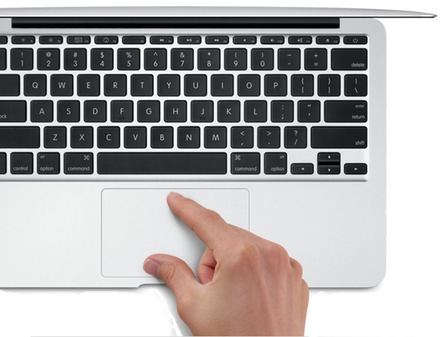
I am a big fan of both the MacBook 12 and the MacBook Pro 13. I’m writing on the Pro 13 as we speak. Apple’s trackpad is far better than PC trackpads to date. Apple’s screen while not as high Rez as some is as good or better as any other screen out there. This is a laptop, not a hybrid laptop tablet like the latest from Microsoft and other Windows products. But, you now have the beginnings of a very cool touch bar that is Apple’s answer to a full touch screen. Apple is way ahead on the high end generally, but we have seen better quality on the PC side. There has been a delay of the release of new MacBook Pros which I chalk up to the ambitions of the touchbar, the considerable slimming down of the MacBook Pro. I love having a 3 lb MacBook Pro. It’s very powerful, yet thin and light. The MacBook is a close competitor at 2 lbs. You can’t beat that. I must say, having 4 ports instead of 1 on the MacBook 12, is luxurious and welcome but that extra one pound is the price.I expect to see a return to grown on the Mac side of the house. Including the iMac.
iPads
iPad Pro 12.9. I’m a fan of the iPad Pro for its delivery of a huge screen in a 1-1/2 lb form factor. It’s fabulous for reading news like reading a magazine and for any other application where size matters. This guy is scheduled to grow larger with the edge to edge plan Apple has in the works and may show up in that size in Spring. There is a lot of room for improvement on the iPad side of the house. Not in the hardware so much, though, edge to edge will be great. Software needs to get more love from Apple and I think it will if not perhaps as fast as I would like. Developers see the writing on the wall and write first for the iPhone and give their second best to iPad in many cases.
iPad Pro 9.7. This wonderful-sized iPad is still great. I like the bigger iPad partly because it is a new form factor and is exciting because of that. But this 9.7″ number soon be be either lighter or same weight with a bigger screen, is awesome. Can do lots for you and the smaller size is pretty lovable.
iPad mini 4. The mini has gotten second shrift as far as I can tell. Processor lags the other sizes for some reason. Is that an avoidance of the iPhone perhaps? Don’t know. I’m to the point where the mini is the odd man out. But still great when I use it. It does get serious competition from the iPhone 7 Plus right now which is faster with 3D Touch and fits in my pocket (kind of). If the size is right at the time, you get iPad apps that often have extra features that the iPhone is denied. Example would be Scrivener for iOS where the iPad version has a corkboard and the iPhone doesn’t.
Apple Watch. I’m an Apple Watch fan and think it could be better. I wear mine every day. I upgraded to the Series 2 when it came out. Mine is rose gold with a black Sport band that I bought because I wanted the black (this is a black year with the black iPhones) rather than navy blue. Love the look. Definitely upped my exercise game since buying my first watch. Use it much more as time has gone on as far as fitness goes. Also, speed bumped up a lot when Watch OS 3 came out and then with the faster new processor in Series 1 and 2. Plus GPS! This is the wearable of choice and will be positioned beautifully as time goes on and wearables get more and more important.
Apple TV. Have the 4 but not really using it much. Never have done much with Apple TV but I’m not really a TV person. Seems sexy enough. But TV is stymied due to Cable and all the regional controls that Steve complained about. Still waiting to be compelled further.
Rumor Mill
Self-Driving Car
I heard the rumor Apple had 1000 employees on the car project and they probably need that many or more as they ramp up to get into this market. As software becomes more important than hardware in this space and disruption occurs presenting new opportunities for new players, Apple has a great shot here. I am very excited about but not so sure I could afford an Apple car. I can afford iPhones and MacBook Pros but cars are kind of steep when they get as cool as Apple likes to do.
Augmented Reality and Virtual Reality
Tim Cook is talking about this and I believe we can count on entries into this emerging field. Augmented means you have some kind or another of heads up display such as on your windshield in a car, in your contact lenses or glasses. This stuff is closer to real and coming soonish (1-2 years).
Eventually, Virtual Reality will follow and Apple will be there. Â But one thing at a time, although, I’m sure R&D is already well underway here to.
 AI, the Cloud and Services
This is Apple’s Achilles heel compared to Google, FaceBook and Amazon and even Microsoft. Apple is structured for selling hardware and software as its main gig and that structure deemphasizes these important services of all kinds. All I can say for now is Apple has its work cut out for it and they realize they have to put the pedal to the metal here to make sure their weakness isn’t a deal-breaker down the road. Apple is touting rapid growth in services. They are acquiring really cool AI companies and people rapidly.
Health and Fitness
Apple doubled down on fitness when introducing Apple Watch Series 1 and 2 this September. Some of the other great features like notifications, and simply having a connected computer on your wrist were not reemphasized. Healthcare is the kind of market Apple can sink its teeth into. It’s giant-sized and has a strong consumer element not just business to business hospitals and such. Apple needs to leverage consumer, it’s longtime strength. There is lots of room for innovation with health. If I knew more real time information about what’s going on in my body, I could do things that would help my health not hurt it. For example, if I can see that the candy bar I just ate spiked my insulin and made me start storing fat, I would think twice. If I could consult the unpleasant impacts my dietary adventures were having over time, I would be less tempted and Apple could throw in medals for diet, sleep who knows what not just steps, stands, exercise and movement calories. I could take charge of my health. Much of that could happen from my wrist but I’m not sure we won’t venture into implants pretty soon. If your dog has a gps tag implanted and humans have large pacemakers implanted without harm done, what’s to stop this trend from going into much wider adoption?
The Home And Beyond
Amazon Echo and Google Home. Yes, the home is coming and Amazon is ahead here. Google Home is pretty weak by comparison. And Apple isn’t on the board yet. Apple TV is the closest thing you have if you don’t count Apple Watch and iPhone which I do count to an extent. But home is a slow lumbering beast. I still have my smart lightbulbs in their packaging. I hear it’s a hassle to get these things working. However, all the devices in the home, office, street, clothing will be smart as time rolls on and Apple will be making sure they are there innovating their hearts out but making sure their entries are awesome not just adequate.

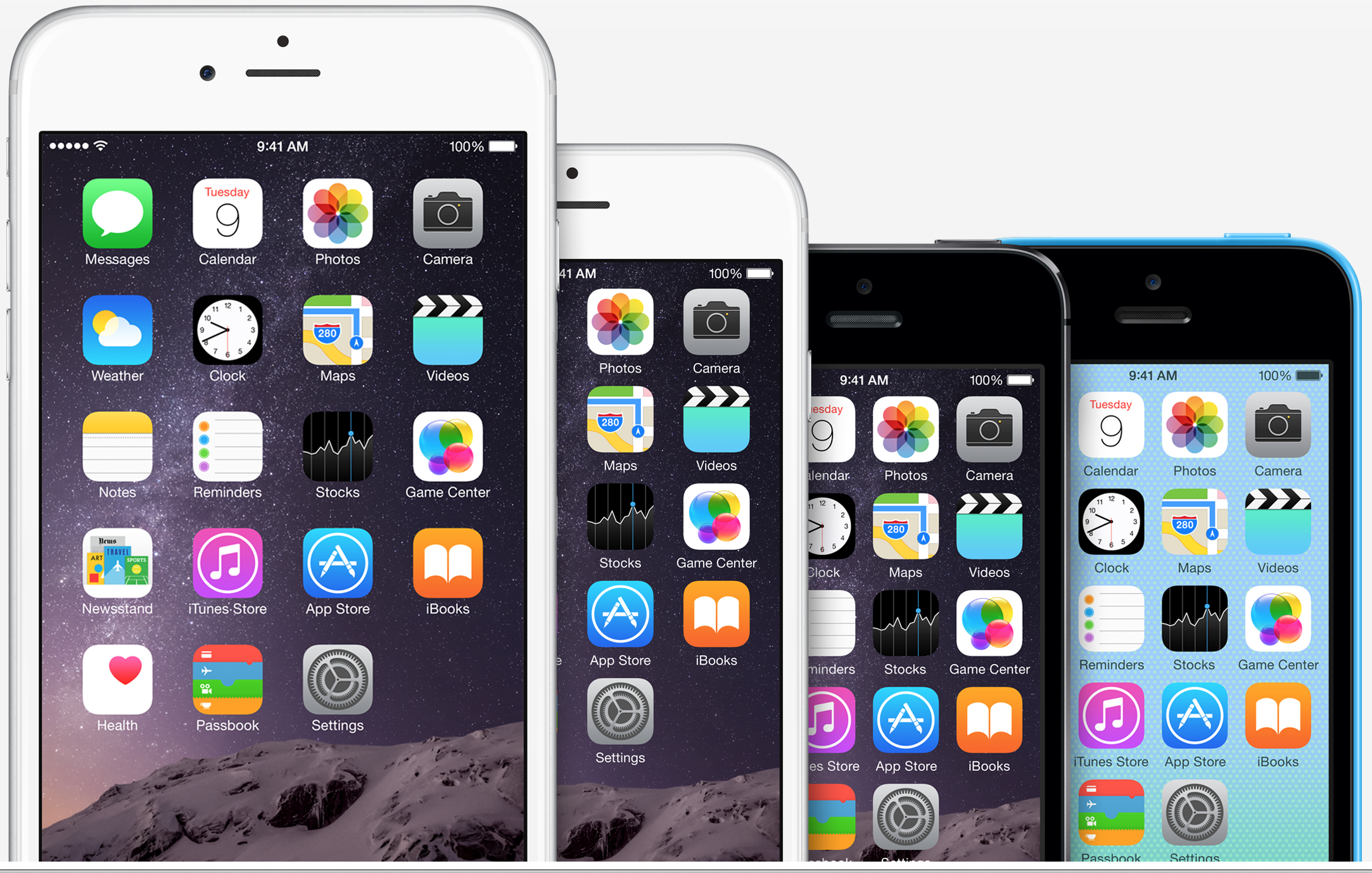
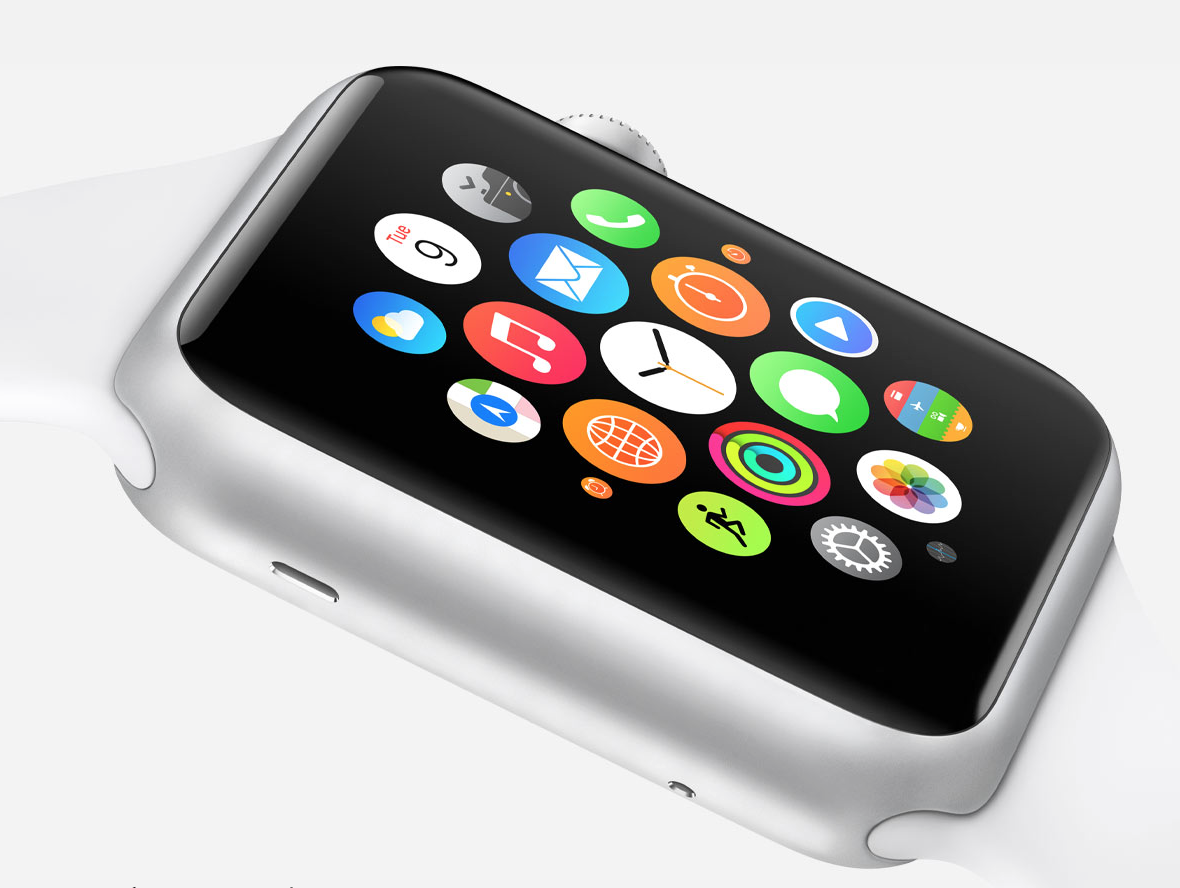


 Apple is first and foremost a hardware and software company. The cloud is not Apple’s first love and not their native language like it is at Google and Amazon. Google, Amazon and Facebook are all in on the Cloud and it shows. Apple is playing catch up and hasn’t gotten everything right with iCloud. iTunes is aging.
 Premium Pricing in a Bad Economy
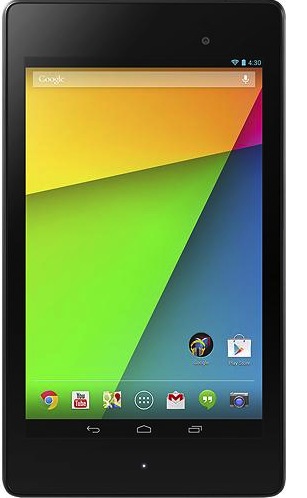
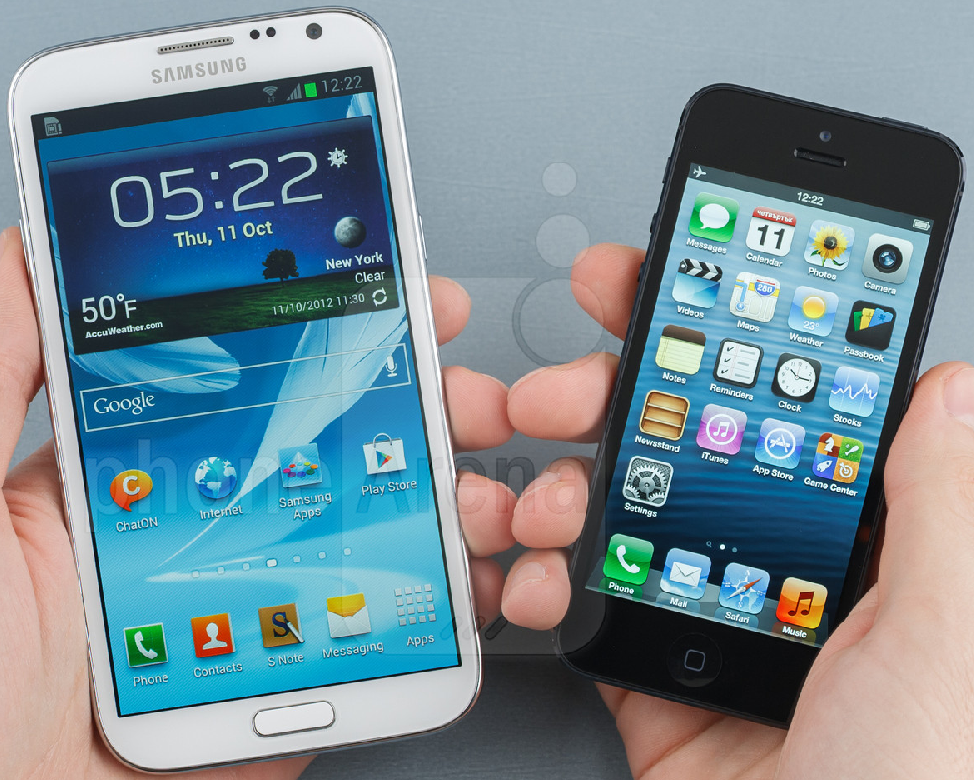 There are very good arguments to be made for a single device to serve as both an always connected internet phone and an always connected tablet. It’s cheaper and you get that lovely 24/7 connectivity we all prefer. Bigger screens are more impressive. You might occasionally regret the size when holding it with one hand or trying to fit it in a tight pair of jeans, but content and web pages sure look good with more screen real estate. Big phones have got to be great in the showroom!
 A lot has happened in the world of Apple this last year. Apple has released new Macs including powerful MacBook Airs, OSX Lion, iCloud, the iPhone 4S with iOS 5 and just announced a strong OSX Mountain Lion release coming for Summer.